
Tax Edition Episode 35 - How to Go Paperless: IRS Receipt Requirements & Audit-Proofing
YouTube
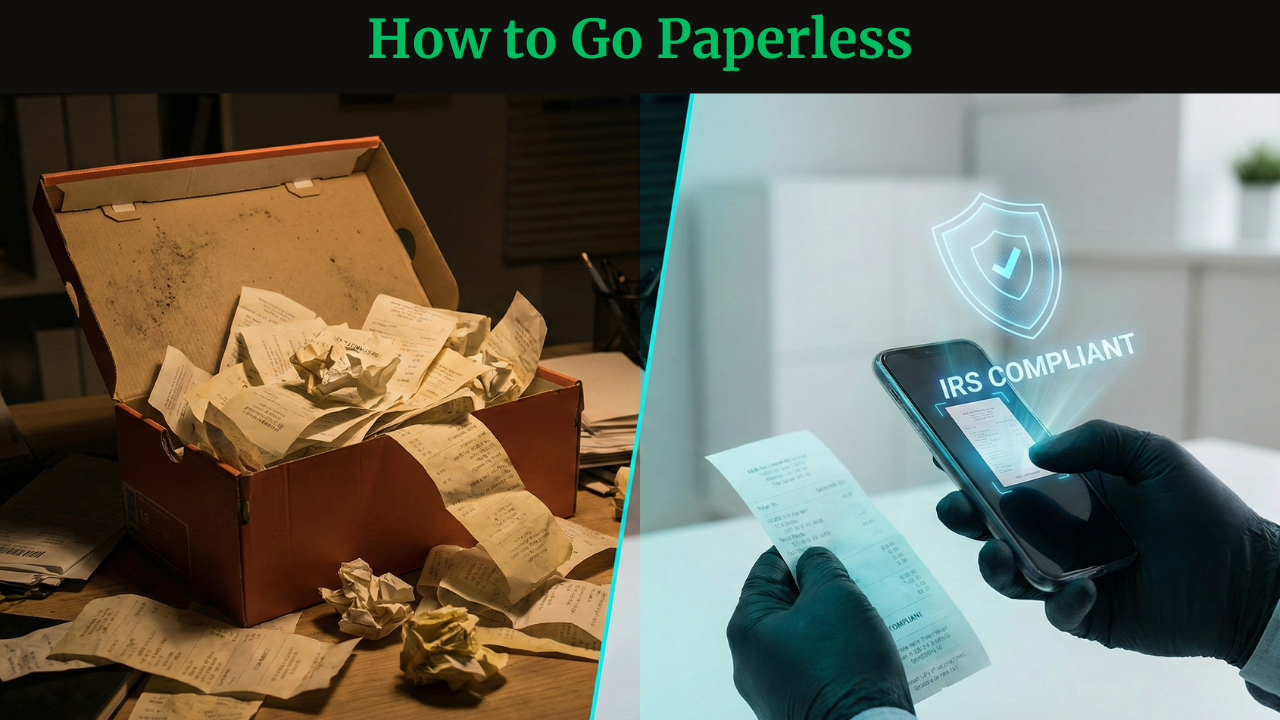
(click on the image to watch the video)
Resources
Show Notes
The Ultimate Guide to IRS Digital Recordkeeping: How to Go Paperless Safely
Let’s be honest: nothing kills the entrepreneurial vibe quite like a shoebox full of crumpled receipts.
If you are a small business owner, freelancer, or independent contractor, you likely have a love-hate relationship with that box. You want to clear the clutter and embrace a sleek, paperless office, but a nagging fear holds you back: The IRS.
The anxiety is real. What if I shred something I need? What if the digital file isn't enough? What if my hard drive crashes?
At Safe Simple Sound, our SECURED framework focuses on Seizing Financial Control. Today, we are going to walk you through exactly how to transition to Paperless Business Records without losing sleep over an audit. We will cover the specific IRS receipt requirements, the software "Big Three," and the one myth about bank statements that gets business owners in trouble.
1. The Digital Foundation: The "Golden Rule" of Compliance
Before you fire up the scanner and the shredder, we need to address the legal reality. Many business owners assume that "going digital" means the rules get looser.
The opposite is true.
The "Golden Rule" of IRS digital recordkeeping is simple: Your digital systems must adhere to the exact same standards as traditional hard-copy books.
There is no "lite" version of compliance just because you use an app. If an auditor cannot read a receipt because it is a blurry photo on your phone, it is as good as gone. To satisfy the IRS, your electronic system must possess five non-negotiable capabilities:
- Index: Your files must be organized and searchable. (e.g., dragging files into a random desktop folder is not indexing).
- Store: The data must be secure from unauthorized access.
- Preserve: The data must not corrupt or degrade over time.
- Retrieve: You must be able to find specific records fast.
- Reproduce: You must be able to print or display the data in a legible format.
How Long Should You Keep Digital Records?
A common question we hear is, "How long to keep digital business records?" Just because digital storage is cheap doesn't mean you should hoard data forever, nor should you delete files arbitrarily.
You must follow Electronic Record Retention guidelines based on the period of limitations:
- The Standard Rule: Keep records for 3 years from the date you file your return.
- The "Substantial Error" Rule: If you underreport income by more than 25%, the statute of limitations stretches to 6 years.
💡 The Reality Check:
If the IRS audited you this afternoon, could you instantly retrieve a legible receipt from exactly three years ago? If the answer is "maybe," your system isn't compliant yet.
🛠️ Action Step: The Retrieval Test
Before you read further, do this simple test:
- Go to your current digital storage (Drive, Dropbox, Accounting Software).
- Pick a random business expense from three years ago today.
- Time how long it takes to find it.
- Open the file. Is it corrupted? Can you read the vendor name and date?
If you failed this test, do not destroy any more paper originals until you upgrade your system.
2. Going Paperless: Software Selection and Protocols
You are ready to declutter. You are looking for the best receipt scanner apps or cloud accounting software. But be aware: The IRS does not endorse specific brands. They don't care if you use QuickBooks, Xero, or a shoebox app. They care about criteria.
Think of it like a vehicle inspection. The government doesn't care if you drive a Ford or a Toyota; they care that the brakes work and the headlights turn on.
The "Big Three" Software Requirements
When shopping for tools to manage Digital Tax Records, ensure they offer these three features:
- 1. Legibility: Can you actually read the scan? If the software compresses the image until a '3' looks like an '8', it fails.
- 2. Traceability: Can you look at a line item in your ledger and trace it directly back to the original source document image?
- 3. Reconciliation: Does the data in the software match exactly what ends up on your tax return?
The Hidden Rule: The Documentation Requirement
Here is the curveball that catches most DIY bookkeepers off guard. To be compliant, you are required to maintain a written description of your electronic storage system.
Essentially, you need a "User Manual" for your business finances. The IRS wants to see that you have documented:
- How data flows into the system.
- What controls prevent unauthorized deletion or alteration of files.
- How your chart of accounts is structured.
Can I Throw Away Receipts If I Scan Them?
The short answer: Yes.
The long answer: Yes, but only after testing.
You can only destroy original hard copies after you have tested your system to prove that the digital images are accurate, legible, and backed up. Destroying paper before verifying your digital backup is like skydiving without checking your parachute. Equipment failure happens. Cloud services have outages.
⚠️ Risk Factor:
If there is even a 1% doubt that your digital backup is bulletproof, keep the paper.
🛠️ Action Step: Draft Your SOP
Create a one-page document to satisfy the IRS Documentation Requirement. It can be simple:
- Step 1: Receive invoice.
- Step 2: Scan to cloud using [App Name].
- Step 3: Verify image clarity visually.
- Step 4: Backup weekly to external drive.
3. The Verification Gap: Bank Statements vs. Source Documents
This is the most dangerous trap for small business owners. We call it The Verification Gap.
The Myth: "I don't need to keep the receipt because the charge is listed on my credit card statement. The IRS can see I spent $200 at Office Depot."
The Reality: A bank statement is Proof of Payment, NOT Proof of Expense.
The Best Buy Scenario
Let’s look at a real-world example to illustrate why the IRS demands source documents.
Imagine an auditor sees a $500 charge to Best Buy on your credit card statement.
- The Statement shows: Payee (Best Buy), Date (Nov 12), Amount ($500).
- What it DOESN'T show: What you bought.
Did you buy a computer monitor for your office (a valid tax deduction)? Or did you buy a PlayStation 5 for your living room (a personal luxury)?
From the bank statement’s perspective, these transactions look identical. To the IRS, they are worlds apart.
Closing the Gap
To create Audit Proof Records, you need the Source Document (the itemized receipt or invoice). The source document fills the gap by listing:
- SKU/Item Description
- Quantity
- Unit Price
The Formula for Compliance:
Proof of Payment (Bank Statement) + Proof of Expense (Itemized Receipt) = Audit Proof Record
If you use Electronic Funds Transfers (EFT), the rule remains the same. The statement proves the money moved; the invoice proves why it moved.
🛠️ Action Step: The 2-Minute Drill
- Open your online banking or credit card statement for last month.
- Pick three random business charges.
- Try to find the corresponding itemized receipt for those three charges in your records.
- If you can't find them, or if you threw them away relying on the statement, you have a compliance gap to fix immediately.
Summary Checklist: Are You Audit-Ready?
Transitioning to a paperless office is a great way to increase efficiency, but it must be done with intention. Use this checklist to ensure you are safe:
- [ ] System Check: Does my digital storage allow me to index, store, preserve, retrieve, and reproduce files?
- [ ] Legibility Check: Are my scans clear enough that a stranger could read every number?
- [ ] Documentation: Have I written a simple SOP describing my scanning and backup procedures?
- [ ] Verification: Am I keeping itemized receipts, not just relying on bank statements?
- [ ] Backup: Have I tested my data recovery to ensure I don't lose records if a hard drive fails?
Need Help Securing Your Financial Future?
Tax compliance isn't the most exciting part of your business, but it is the bedrock of your financial safety. At Safe Simple Sound, we want to help you build a business that isn't just profitable, but protected.
If you are unsure if your current bookkeeping setup would survive an audit, or if you need guidance on setting up a compliant digital workflow, let’s talk.
👉 Click here to contact us and Seize Financial Control today.
DISCLAIMER: This content is for educational purposes only and should not be considered personalized financial advice. Always consult with a qualified financial professional before making financial decisions.